
Container Updates DPanel Version >= 1.4.2
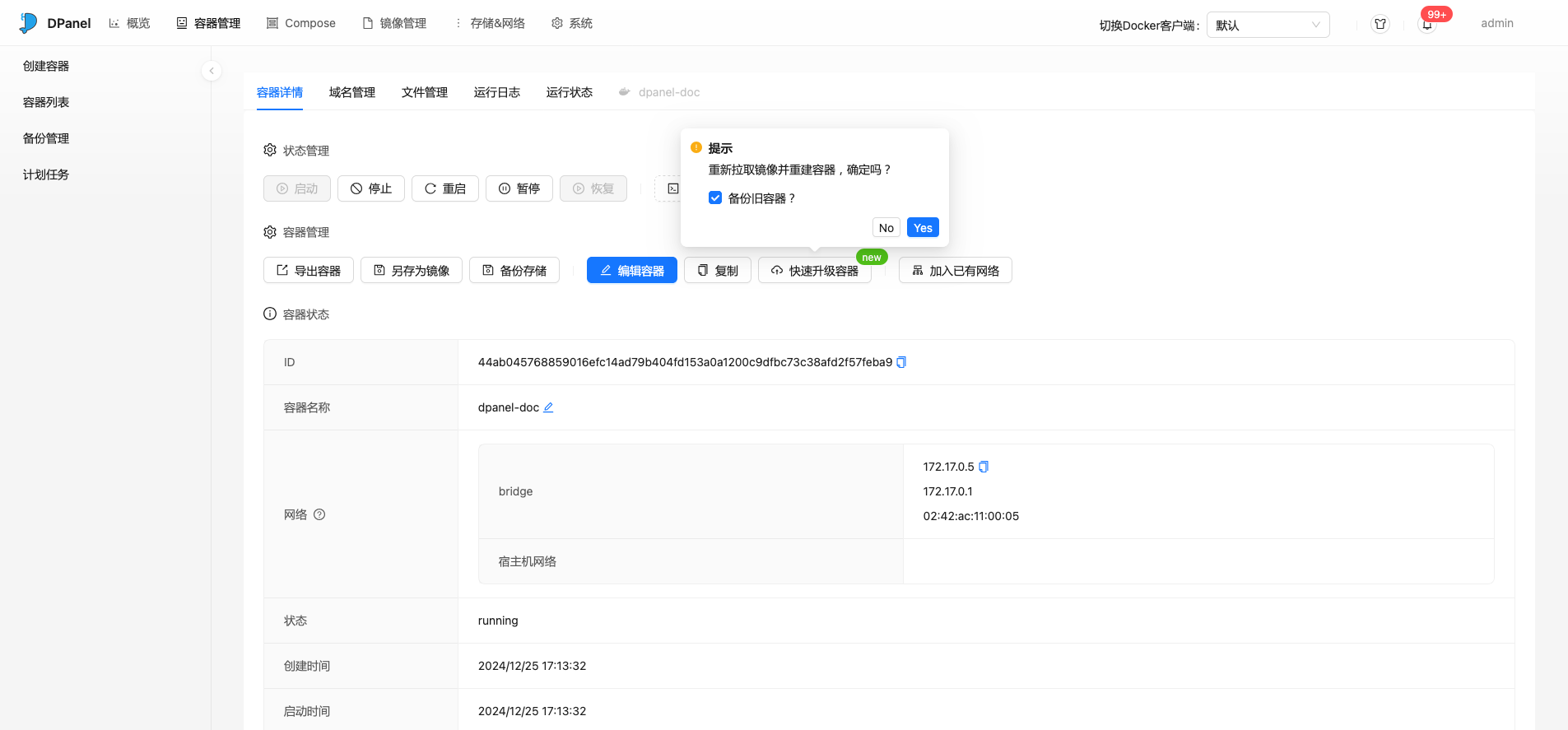
The Container Updates page lists the containers in the current Docker environment. You can check image updates, review check results, and update containers from one place. The upgrade operation retains all configurations of the current container, re-pulls the image, and redeploys the container.
TIP
Under multi-server, please ensure that each server's version is consistent, otherwise incompatibility may occur and cause the upgrade to fail.
Check for Updates
Update checks are now part of the container update feature. DPanel queries the remote registry for the image used by each container and records the check time, status, local digest, remote digest, and any error details.
To avoid frequent remote registry requests, DPanel reuses results from the last 10 minutes by default. Select Force Check to bypass the cache and query the remote registry again. A cached result is invalidated automatically when the image used by the container changes.
You can configure how a container is ignored:
- Ignore Current Version: Ignores only the image version currently used by the container. Checks resume after its image changes.
- Ignore Permanently: Always ignores this container. Other containers using the same image are not affected.
- Resume Detection: Removes the ignore setting for this container.
Image Update Detection Logic
Digest
The image's digest value is the unique identifier of the image in the remote repository. The panel detects image updates through this value. If the local image does not contain a digest value, DPanel cannot compare it with the remote image and reports that no update is currently available.
For images supporting different architecture platforms, even if only one platform changes, it will cause the digest value to change, thereby detecting an update.
Images pulled using the panel's repository acceleration address have a digest value belonging to the acceleration tag. After deleting this tag, updates cannot be detected.
Naming Convention
The image name such as dpanel/dpanel:latest, dpanel/dpanel:lite, etc., the part after the colon (😃 is called Tag, used to identify the image version (digest).
Usually, the composition of tags has the following situations:
| Type | Example |
|---|---|
| Fixed identifier | dpanel/dpanel:lite, nginx:latest, nginx:mainline |
| Major version number | dpanel/dpanel:1 nginx:1.27 |
| Minor version number | dpanel/dpanel:1.4.0-lite, nginx:1.27.3 |
| Based on release time | minio/minio:RELEASE.2024-10-02T17-50-41Z |
When an image is released, it will cover tags from large to small in order. For example, when nginx releases 1.27.4, it will be pushed to nginx:1.27, nginx:latest, nginx:mainline, nginx:1.27.4, etc. at the same time, while the minor version nginx:1.27.3 will not be covered.
Detect Updates
- When you use nginx:latest to create a container, when nginx has an update push, it can detect an update.
- When you use nginx:1.27 to create a container, an update is detected only when nginx releases a 1.27.* related version.
- When you use nginx:1.27.3 to create a container, usually no update can be detected.
When creating a container, you need to choose an appropriate image Tag based on your own situation to ensure that the [Quick Upgrade Container] function can be used normally.
Update Rollback
When DPanel updates a container, it will stop the old container and rename it to [Container Name-Update Time], and the old image will also be renamed to [Image Name-Update Time]. After updating the container, you can restart the old container to complete the update rollback.