
Create Containers with Compose
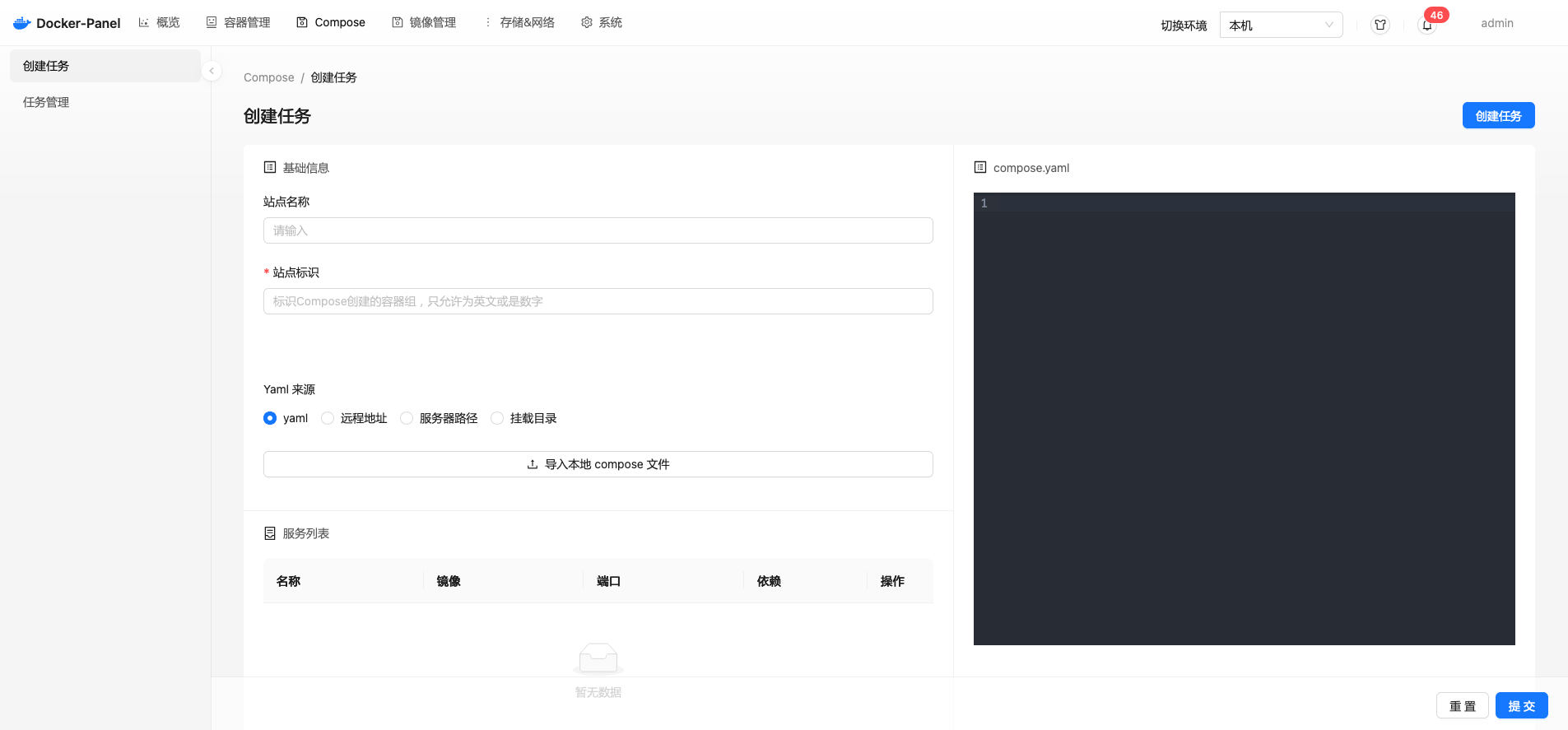
Site Identifier
Used to identify the compose project name. When deploying multiple projects with the same compose.yaml, they are distinguished by the site identifier.
YAML Source
App Store
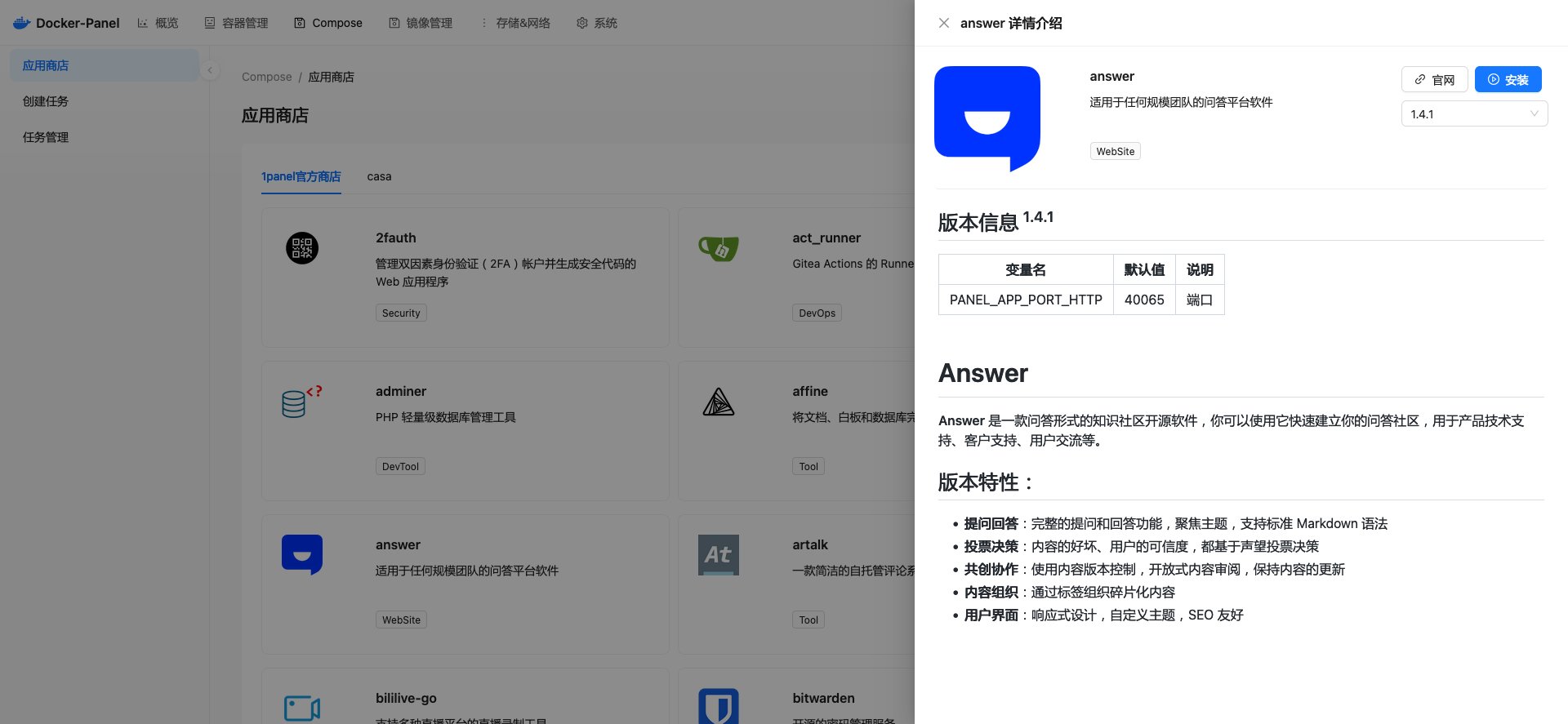
After adding an app store, click install to go to the Compose [Create Task] page, complete and modify environment variables and related information, then deploy the task.
After installing through the app store, related files will be synced to the /dpanel/compose directory. To ensure yaml files in the app store can be updated at any time, it's recommended to use override configuration when modifying yaml configurations.
Create from YAML Text
You can create Compose tasks directly through yaml text. After creating the task, the panel will save the corresponding files to the /dpanel/compose directory.
Remote URL
You can create tasks directly using a remote yaml address. The difference from text creation is: each time you deploy, the panel will pull the latest file content from the remote address for deployment.
Git Repository DPanel Version >= 1.9.1
You can directly clone a remote git repository locally to create tasks.
Mount Storage Path
When creating the DPanel panel, you can mount the panel's /dpanel directory to the host machine. Place projects in /dpanel/compose, and the panel will automatically discover these directories and create corresponding compose tasks.
You can also mount the /dpanel/compose directory separately, for example:
docker run -d -it --name dpanel ...(other parameters omitted)... \
-v /home/dpanel:/dpanel -v /mnt/compose:/dpanel/compose \
dpanel/dpanel:latestEach project needs to create a subdirectory, and the directory name is the [Site Identifier]. The subdirectory contains one of docker-compose.yaml, docker-compose.yml, compose.yaml, or compose.yml files.
Directory Structure
/dpanel
├─ /compose
│  ├─ /easyimage                        Project subdirectory, directory name is the identifier
│  │  ├─ docker-compose.yaml            The project's compose yaml file
│  │  └─ docker-compose-override.yaml   Custom override configuration file, ending with override.yaml or override.yml
│  ├─ /lucky
│  │  └─ compose.yaml
│  ├─ /qinglong                         Other projects
│  │  └─ compose.yml
│  └─ ...
└─ ....Multi-Server YAML Data Isolation DPanel Version >= 1.5.1
The panel supports multiple Docker server endpoints sharing compose task files. After creating a compose task, this data can be deployed on each client.
It also supports configuring independent compose directories for any remote server endpoint for file data isolation.
Enable Configuration
Enable independent directories through multi-server management. The directory is prefixed with compose- and ends with the current environment name.
For example: if the remote docker environment name is test123, the directory name is compose-test123. Its internal structure is consistent with the default compose directory.